Epson's 2026 projector software story moves toward Google TV and Gemini
Google TV with Gemini is coming to select Epson projectors, starting with Lifestudio Grand-class hardware, and the software layer now belongs on the review checklist.
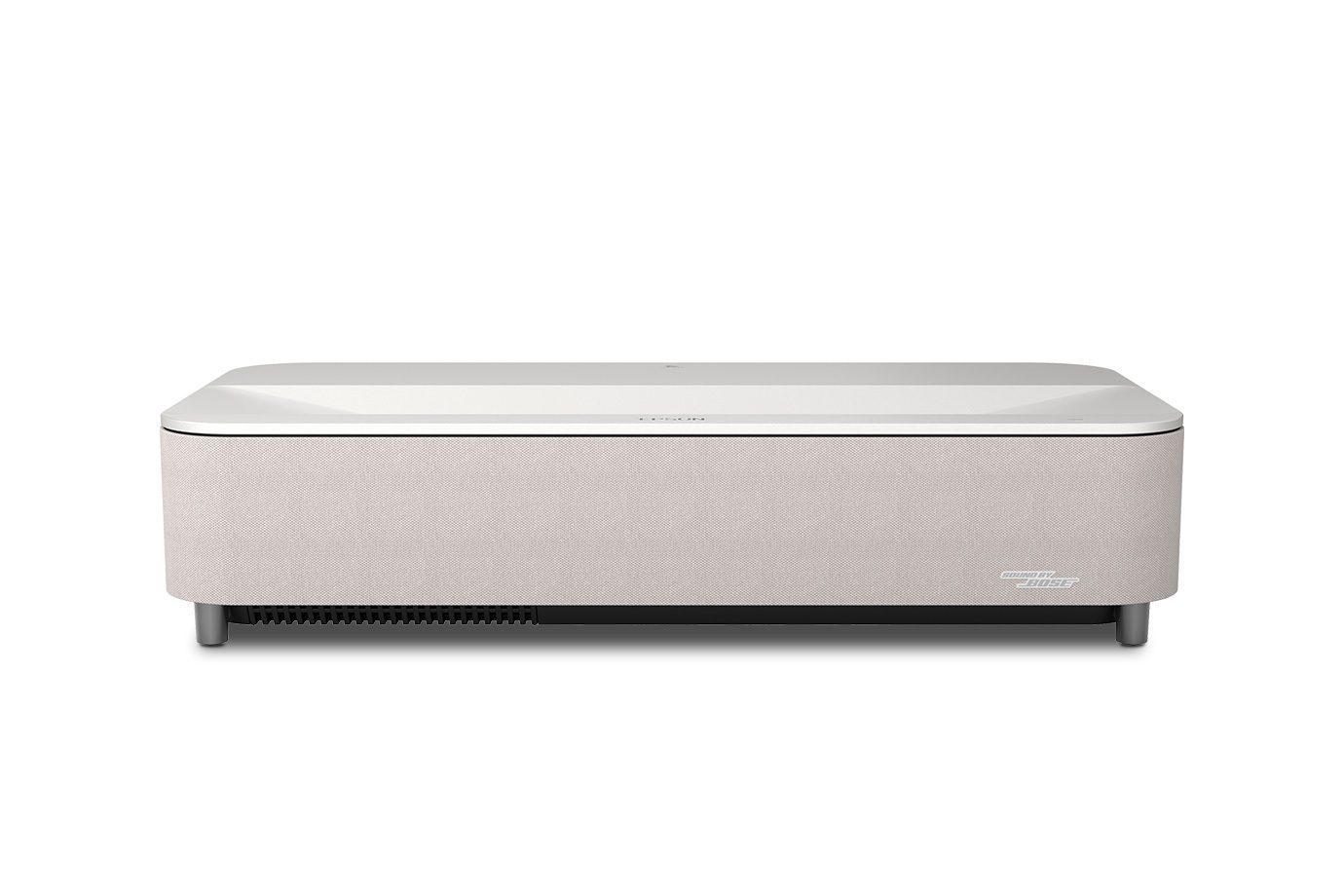
Google TV with Gemini is heading to select Epson projectors, according to reports around the company's 2026 software direction, starting with Lifestudio Grand-class hardware. Epson's own Lifestudio Grand Plus product page already leans heavily into Google TV, built-in streaming apps and large-screen entertainment without an external streaming box.
The Lifestudio range makes the shift plain: projectors are no longer judged only by optics and brightness. Built-in Google TV, app support, voice search and AI-assisted discovery are becoming part of the buying decision, especially for living-room and ultra-short-throw models.
Table stakes for buyers arriving from TVs
For enthusiasts, built-in smart platforms used to be an afterthought. Many people simply connected an Apple TV, Nvidia Shield or Blu-ray chain and ignored the internal apps. That still works, but mainstream buyers increasingly expect the projector to behave like a TV from the first boot. For them a fast, stable platform is not a luxury feature. It is table stakes.
That changes the review checklist. App support, update cadence, HDMI handoff, Wi-Fi reliability and voice-control behaviour all become meaningful. A projector can have a good image and still feel unfinished if the software is slow or restrictive.
Useful search, or AI branding over the fundamentals
Gemini-style search could be useful if it helps people find content across services without turning the projector into a gimmick. The risk is that AI branding becomes a distraction from fundamentals such as accurate picture modes, simple settings and stable playback. Voice search, recommendations and setup help do not replace image quality or a reliable app platform. The best smart-projector experience is the one that disappears during normal use: apps open quickly, HDMI inputs wake correctly, audio routing behaves and updates do not break the chain.
For ProjectorLabz, the right approach is to test internal apps and external sources separately, and over weeks rather than at first boot. A review should look at cold-start time, app responsiveness after updates, remote layout, input switching and whether Google TV feels properly integrated or merely attached. It should also check whether picture modes remain accessible and understandable when using built-in apps rather than HDMI sources. A good projector should not require its built-in platform, but if the platform is included, it should be fast, stable and easy to bypass.
If Epson gets the software layer right, it makes the projector easier to recommend to non-enthusiasts. If it gets it wrong, even a good optical platform will feel unfinished in daily use.
Related Reading
XGIMI Unveils HORIZON 30 Series: 4K at 120Hz, Dual Iris Technology, and Up to 10,000:1 Native Contrast
XGIMI unveils the HORIZON 30 Pro, Max, and Ultra Max with RGB triple laser, 4K 120Hz, Dual Iris technology, and major contrast improvements.
Apple Music Hall Will Stream Concerts Globally From a 48-Speaker Spatial Audio Venue
Apple's new 600-capacity London venue combines Spatial Audio production, multicamera capture and global livestreaming, but home playback formats remain unannounced.
Epson Brings Three 4K Laser Projectors to the US From $1,999
The Home Cinema LS5000, LS6000 and short-throw LS7500 combine 3LCD laser engines, 4K/120Hz input and prices from $1,999.99.